
How does our Salesforce integration boost workflow on WebWork?
Salesforce integration on WebWork boosts your workflow by automatically converting your CRM data into trackable tasks and syncing tracked hours directly back to Salesforce. This eliminates manual setups, prevents double data entry, and allows managers to view client, deal, and ticket efforts without leaving their CRM.
How to enable the integration?
First and foremost, you should go to the Integrations page and select Salesforce from the CRM section. Click Enable.
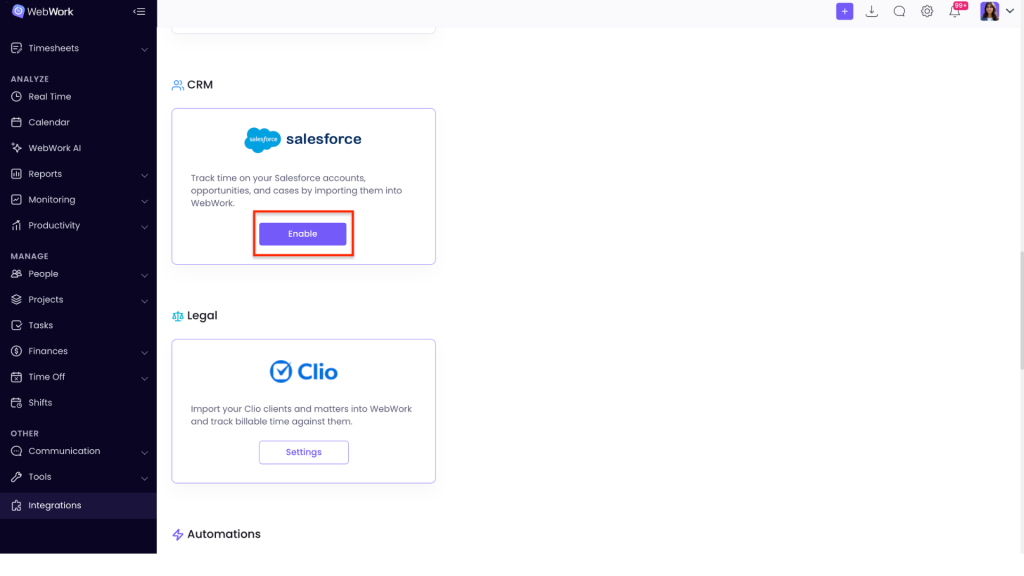
You will automatically be redirected to another window, where you should give permission to WebWork to access information from your Salesforce account (members, projects, etc). After giving the permission you will see the main integrations page.
- Members
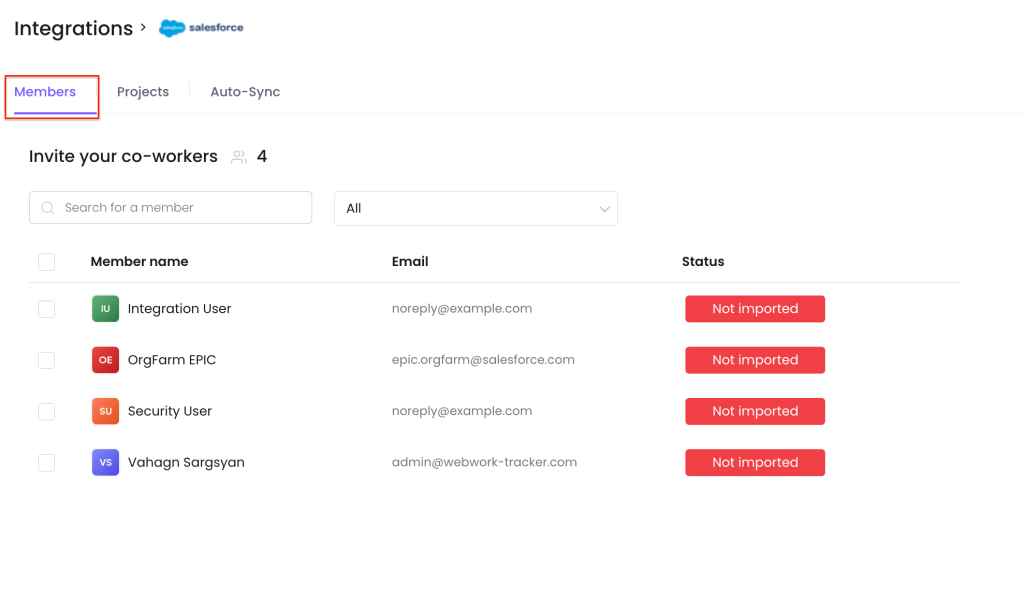
You can import you members from Salesforce to avoid manually adding them and save time. Note that if you have already added some of your members manually to WebWork, after clicking Import, the members with the same email on both tools will not be duplicated.
- Projects
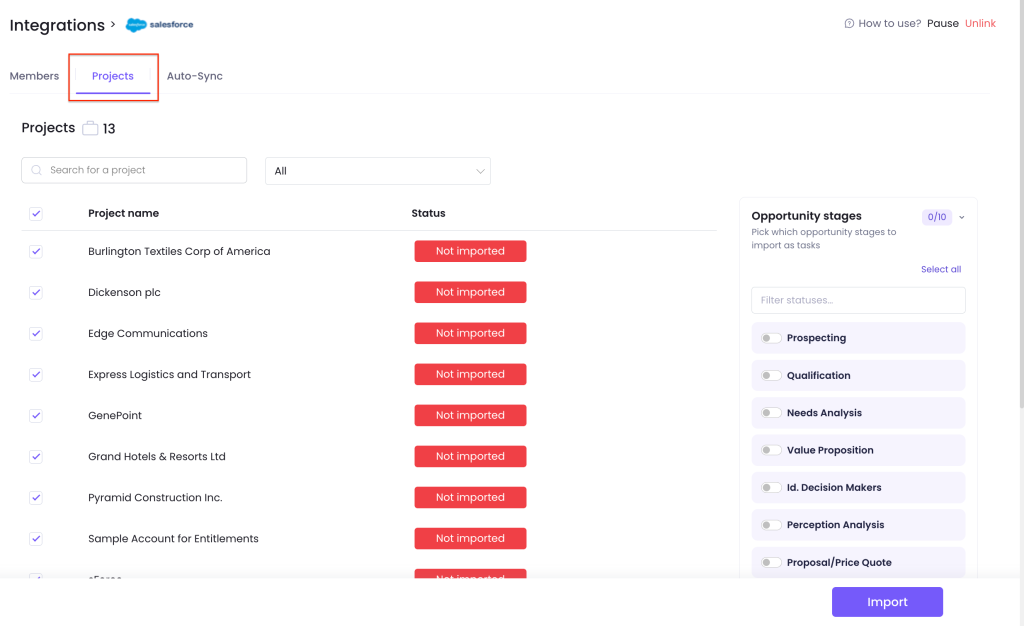
Accounts become projects, and deals and support tickets become tasks, with each pipeline stage or ticket status shown as a column on the board.
- Auto-Sync
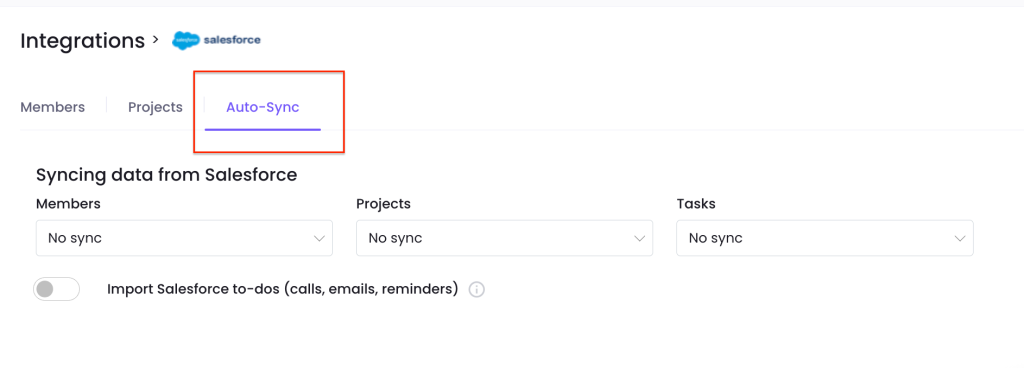
If you want to save your time and avoid double data entry, you can turn on Members, Projects or Tasks auto sync, meaning that whenever you remove a member, project or task from one tool they will be automatically removed from the other. You can also import Salesforce to-dos to WebWork. Salespeople’s Salesforce tasks are imported as WebWork tasks under their account’s project. WebWork’s own tracked-time activities are never imported back.
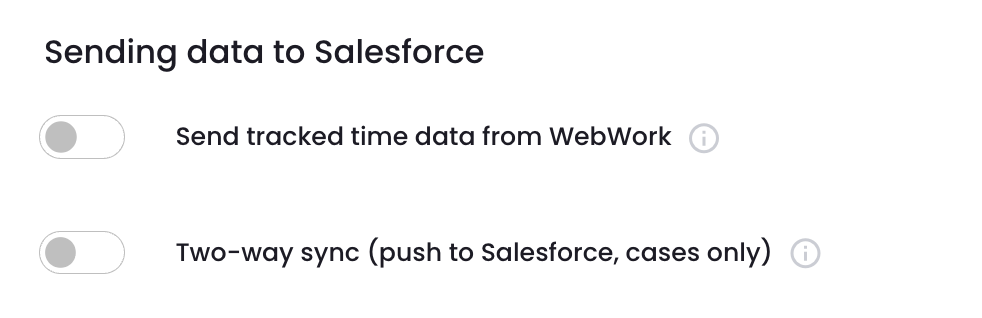
What Syncs Back to Salesforce: Firstly, tracked hours appear on each deal and ticket in Salesforce, so managers see effort per client, deal, and ticket without leaving their CRM. Secondly, support tickets stay in two-way sync, updating and closing in Salesforce as the work is done. Your deals and records are never altered.
Was this article helpful?
Thanks for your feedback.