
When your workspace members track time using the Desktop App, WebWork tracks the URLs they visit during work.
To view the tracked URLs of each member, follow these steps:
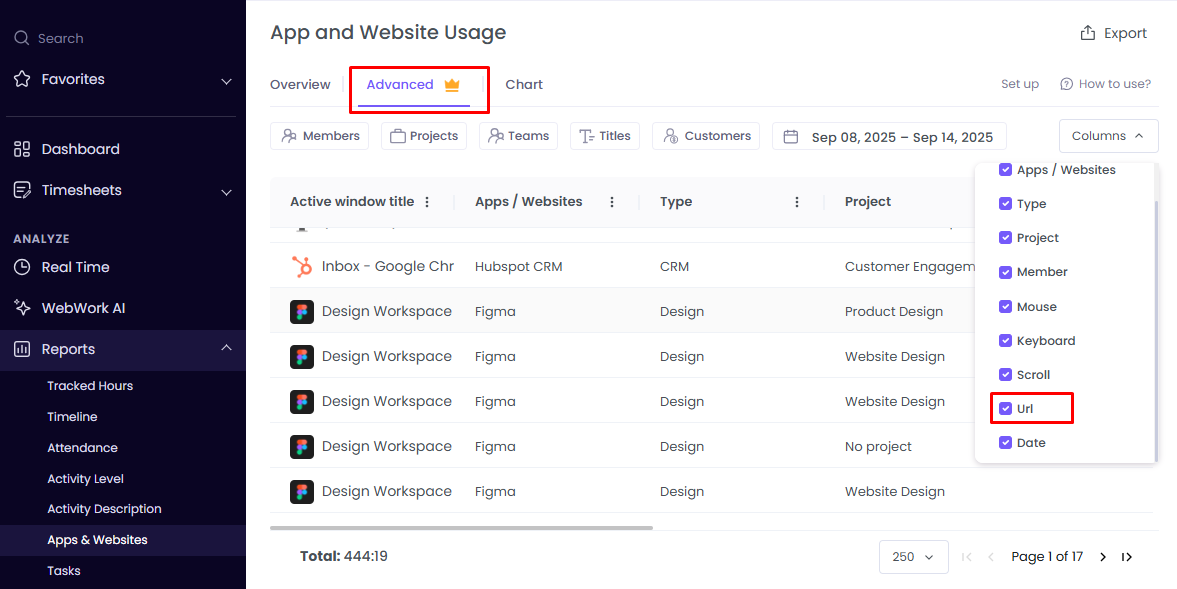
- Go to Reports > Apps & Websites
- Click the Advanced tab (available on Plus and Premium plans)
- Make sure URL is enabled in columns
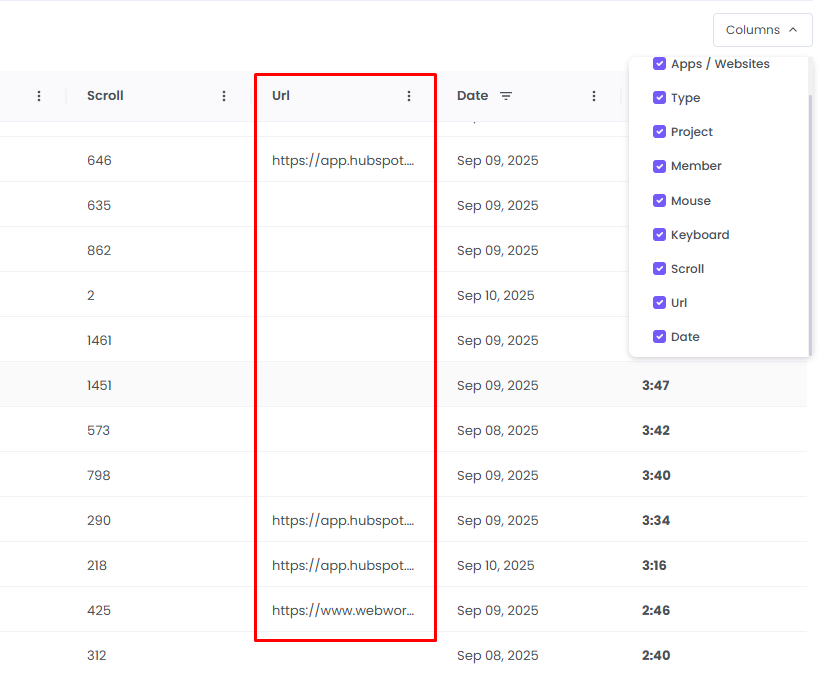
In the URL column, you will see the link of each visited platform if it has a link:
Was this article helpful?
Thanks for your feedback.