
To check and see if you are using the recent version of the Desktop App, click your avatar > Check for Updates.
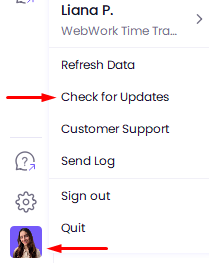
In the opened page, if your tracker is shown as out of date, click Download to install the updated version.
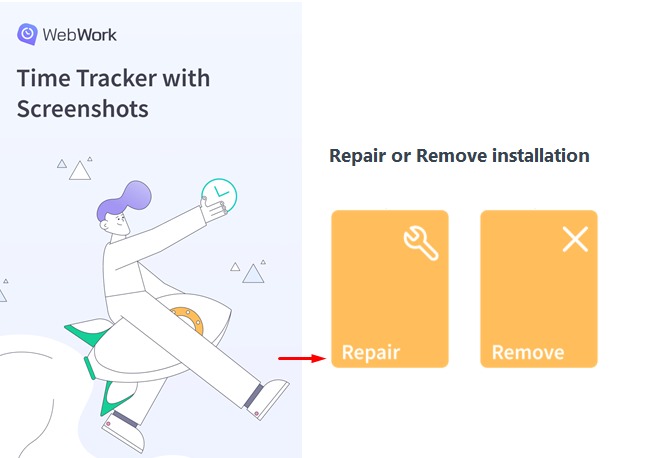
To reinstall the tracker, uninstall it from your device and install it again. Or open the installer and click Repair.
Was this article helpful?
Thanks for your feedback.