
WebWork Agentic AI can send the periodic reviews of your selected insights to your inbox.
To set up Periodic Reviews, go to Settings > WebWork AI > Periodic Reviews.
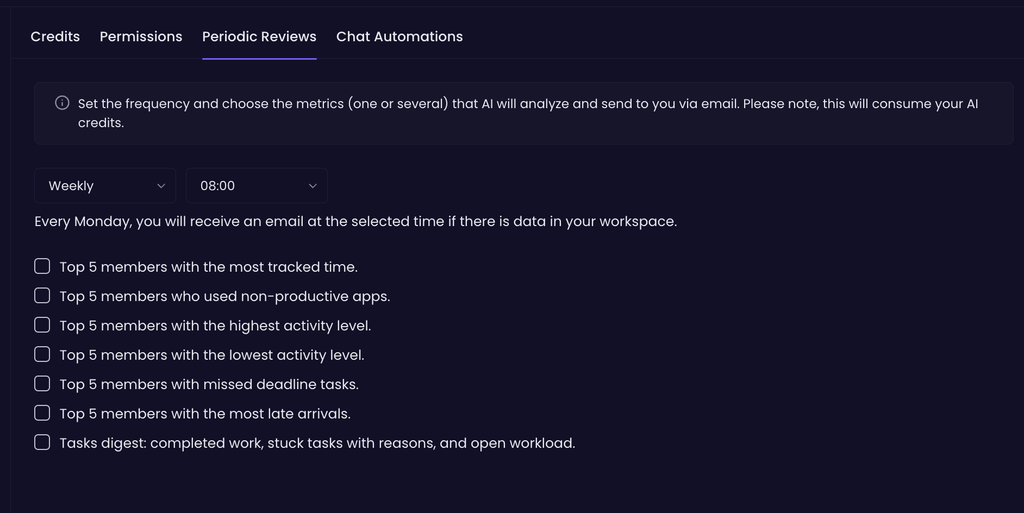
You can get reviews about:
- Top 5 members with the most tracked time.
- Top 5 members who used non-productive apps.
- Top 5 members with the highest activity level.
- Top 5 members with the lowest activity level.
- Top 5 members with missed deadline tasks.
- Top 5 members with the most late arrivals.
- Tasks digest: completed work, stuck tasks with reasons, and open workload.
Select which insights you want to be sent to your email and the frequency (Daily or Every Monday). When there is enough data, WebWork Agentic AI will analyze it and send you the reviews at your set frequency. Note that each sent report consumes 1 credit.
Was this article helpful?
Thanks for your feedback.