
The Leaderboard feature is available on WebWork’s Plus and Premium plans.
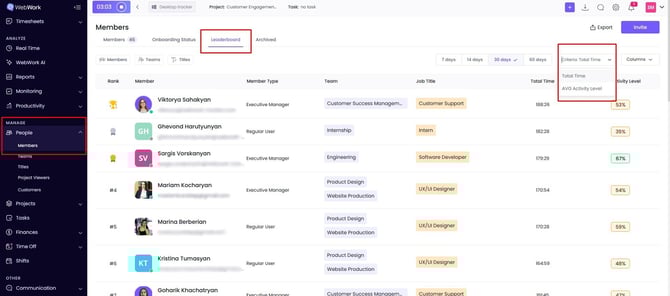
Leaderboard allows you to see and compare the activity or the tracked hours of your employees in WebWork. To access this feature:
- Go to People → Members
- Click on Leaderboard to see the list of your employees ranked from most active to least active.
If you want to change the criterion and see who tracked most time in WebWork instead of their activity level, then you should choose Total Time instead of AVG Activity Level in the Criteria section.
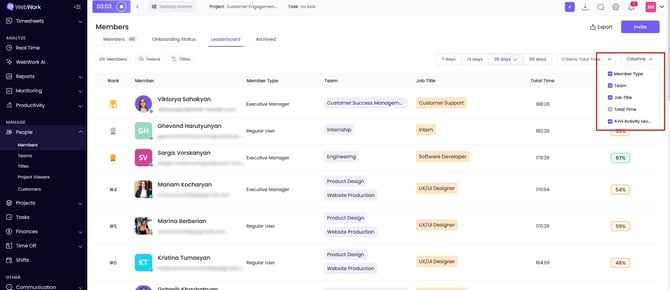
You can also adjust the columns according to your preferences.
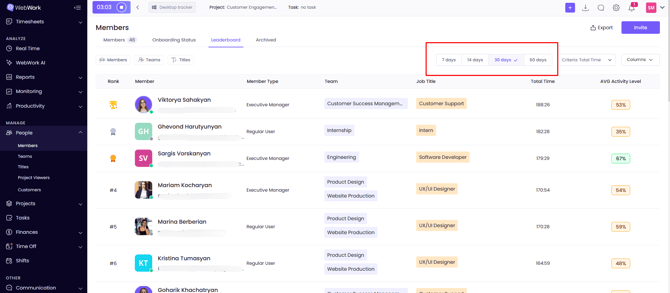
In the top section you can see time periods: from 7 days up to 60. By selecting any of them you will receive the information based on that specific time period.
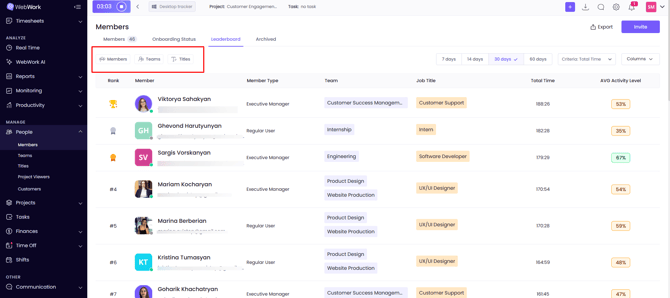
You can also filter your results based on Titles, Teams or even a single Member.
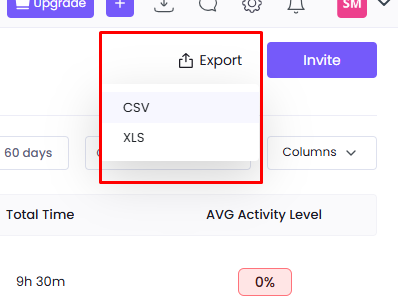
To export the chart, click Export to download it as a CSV or XLS file.
Was this article helpful?
Thanks for your feedback.