
Benchmarks are available to you if you are a Plus or a Premium user.
Benchmarks help to boost productivity by comparing benchmarks of different metrics of the industry peers with all the WebWork users and offering insights into how others perform in the same areas. To explore more about this feature first thing you should do is:
- Go to Productivity section on your dashboard
- Click on Productivity Insights subsection
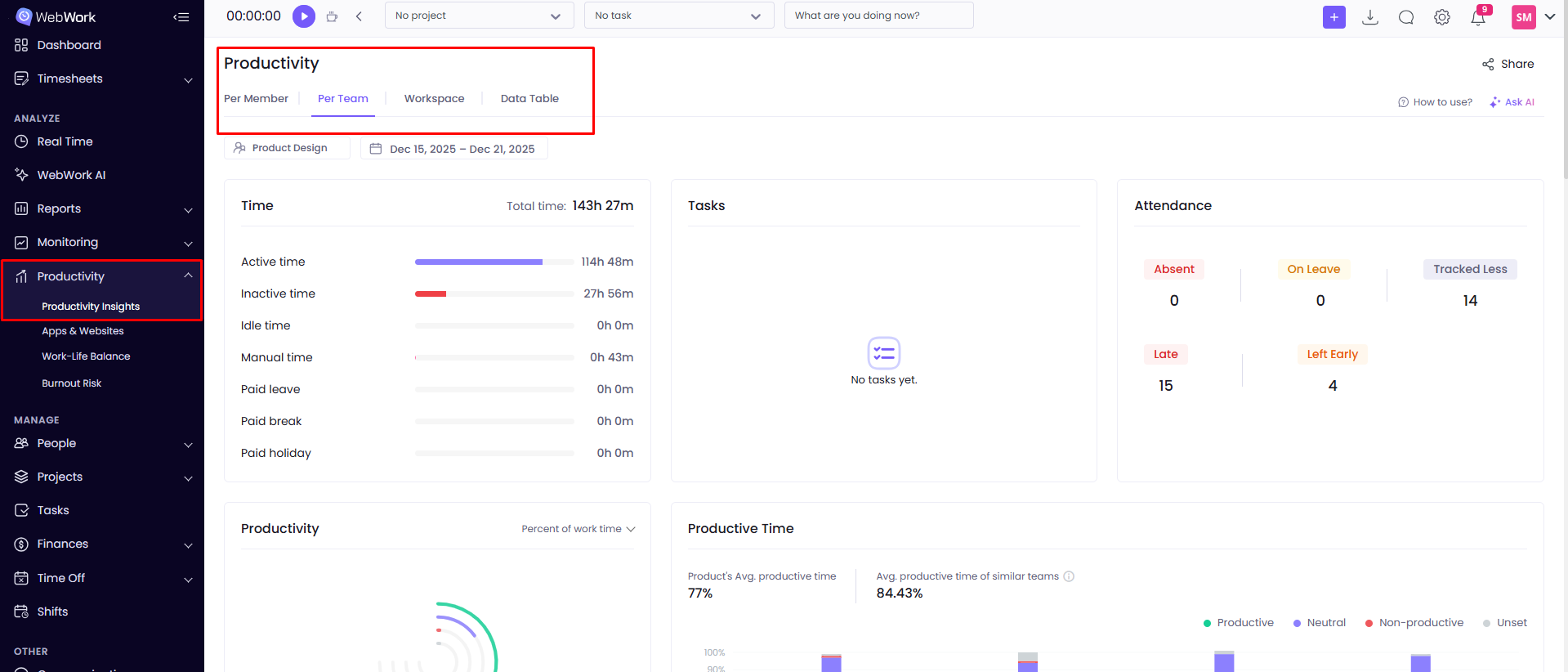
Here you can see different filters to have a better understanding of the particular member’s, team’s or the whole workspace’s productivity. The benchmarks will appear in the widgets showing:
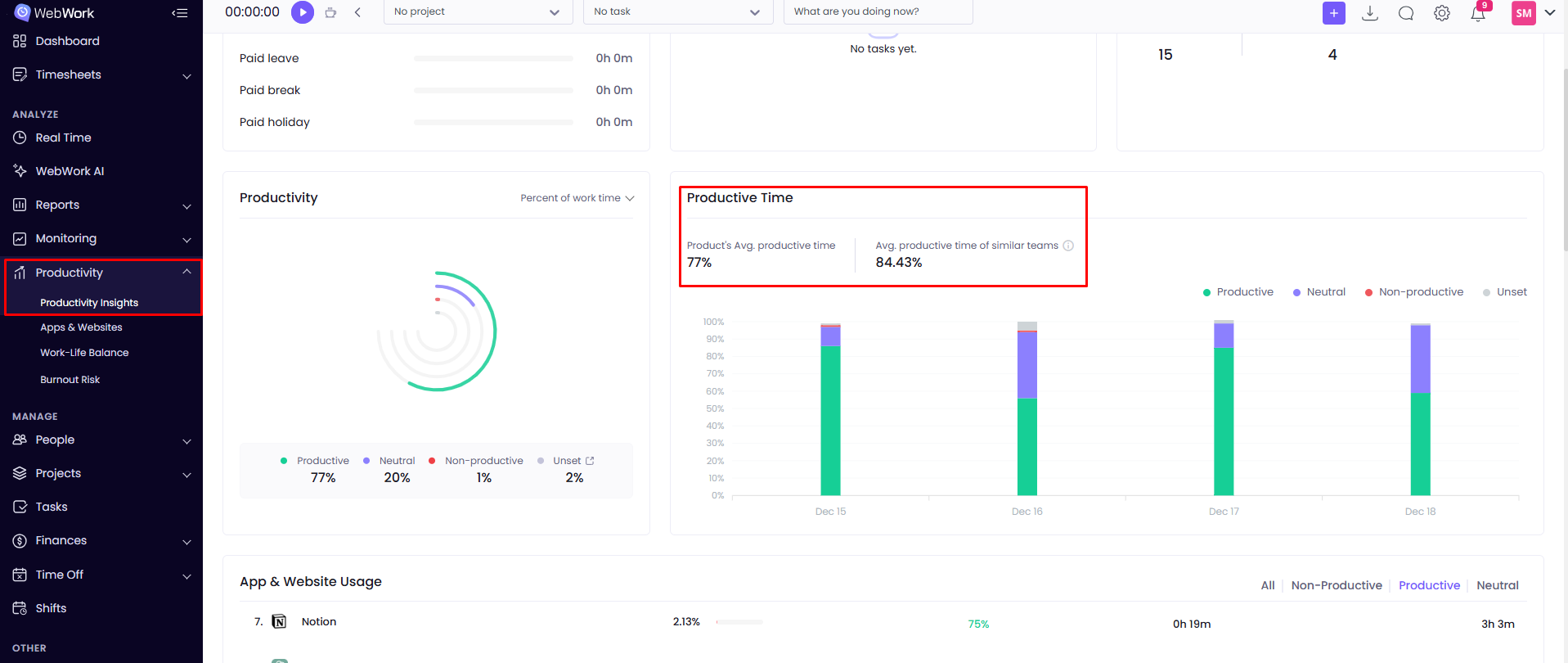
- The Productive Time
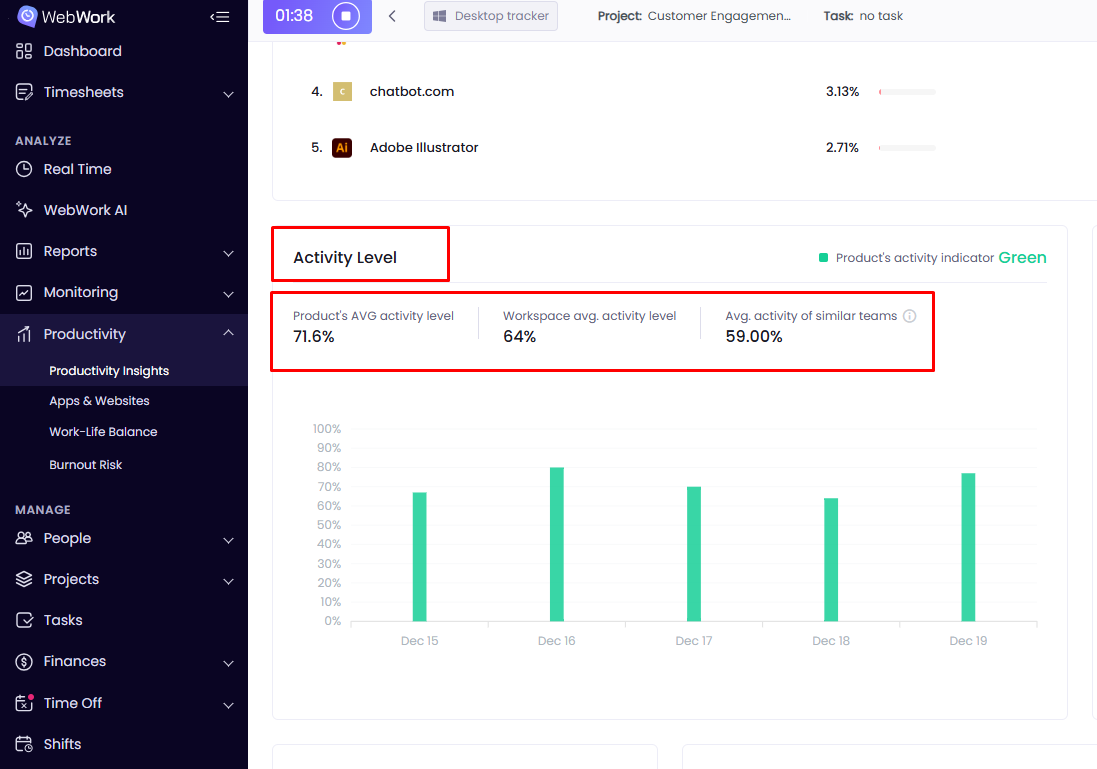
2. Activity Level
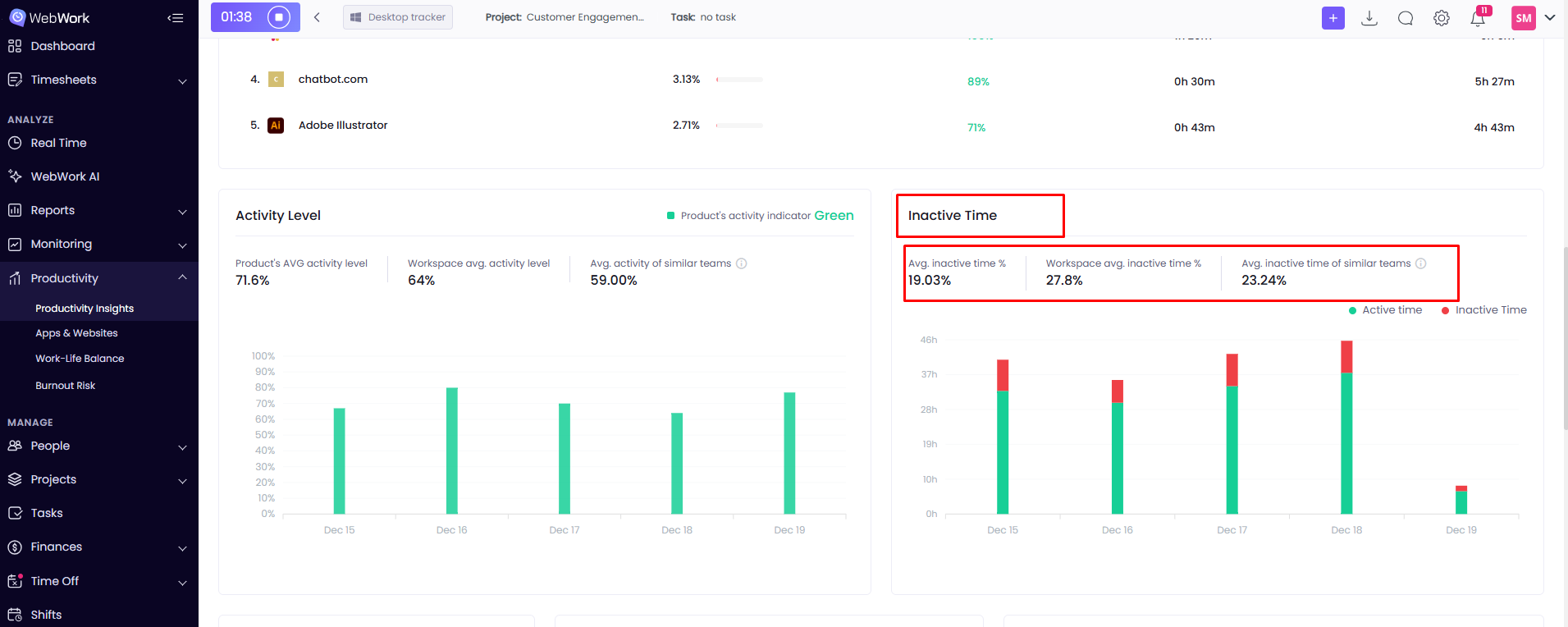
3. Inactive Time
4. Focus Time (time spent actively working without distractions)
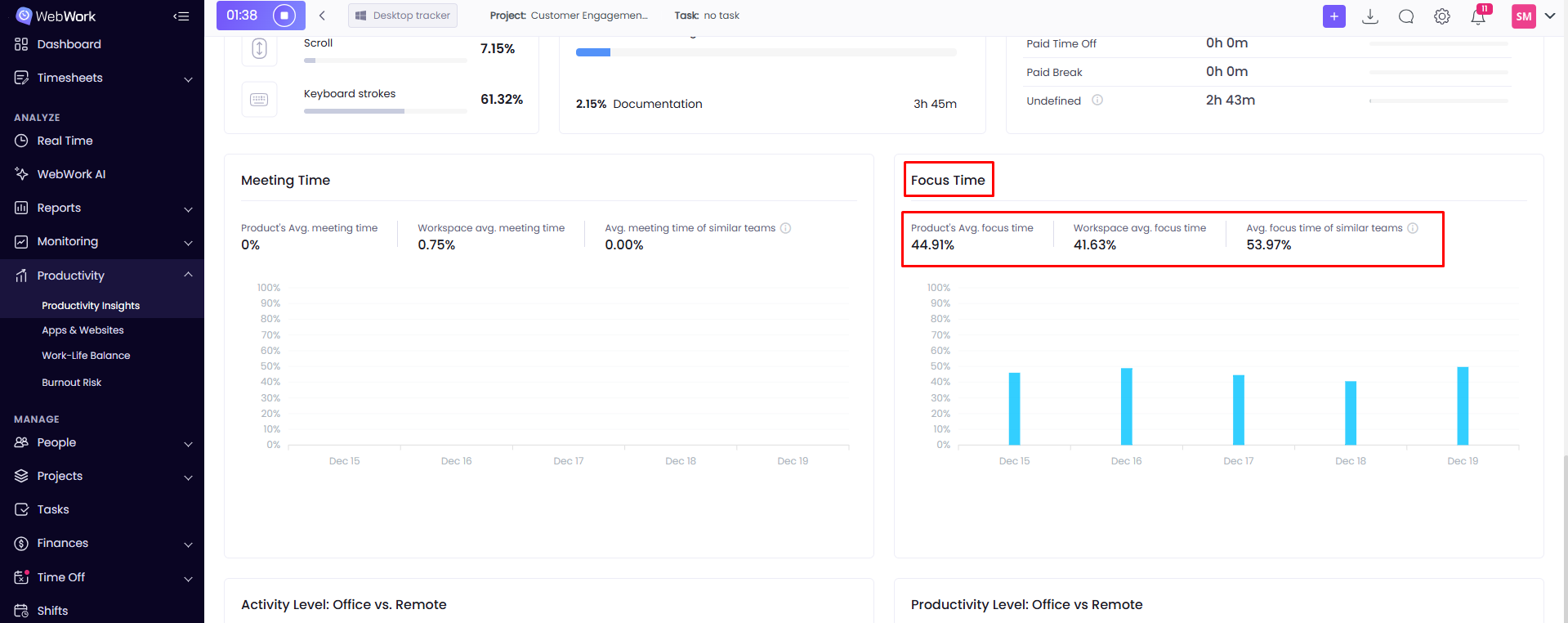
5. Meeting Time
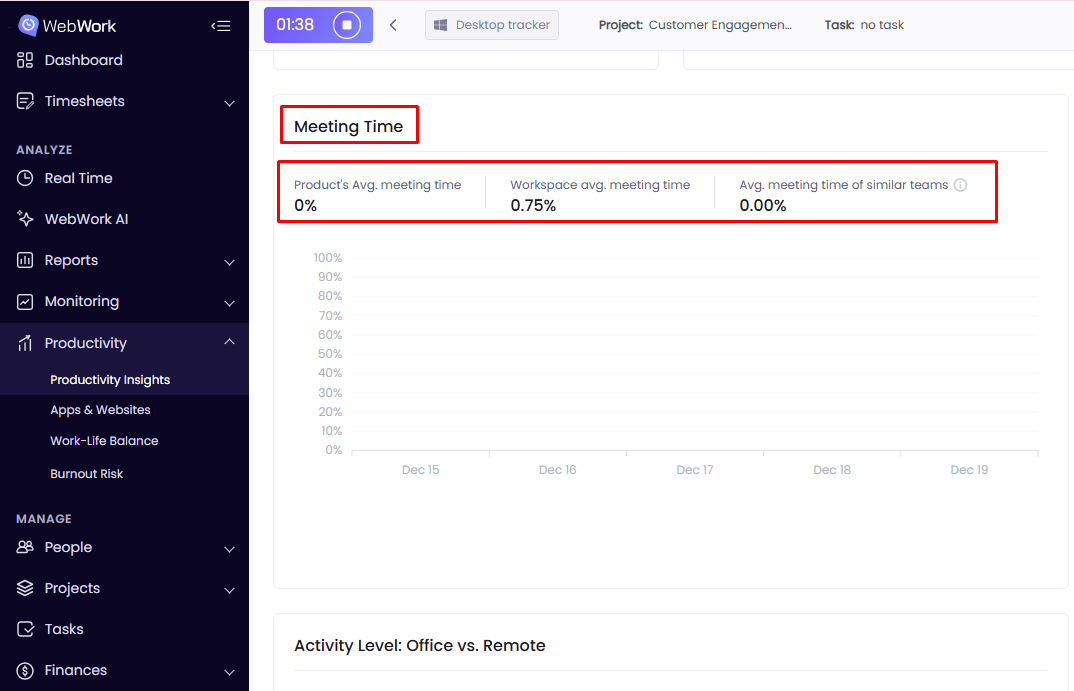
If your filter is by Member, then in the widgets above the first thing shown will be the selected member’s productivity or activity; after that, WebWork will find and match WebWork users across the whole platform with the same or similar titles (e.g., Customer Success Manager/Content Writer), and display a comparison of their productivity, activity level and inactive time. However, if the system cannot find similar titles, then the comparison will happen against all the platform users.
If your filter is by Team, WebWork will find and match other teams with the same or similar mission, name or responsibilities and compare the results of the same sections (productivity, activity level and inactive time). Likewise, if the filter is by Workspace, then your workspace will be compared to other workspaces within the same or similar industry.
Was this article helpful?
Thanks for your feedback.